
ERP software for small business
miphu covers sales, invoicing, expenses, articles and stock, documents, tasks and your team. Every module runs in the native app on iPhone, iPad and Mac and in the browser on your computer.

Customers and sales
Leads, customers and contacts in one place, with their tasks, notes and files. Search finds a customer among thousands of records.
CRM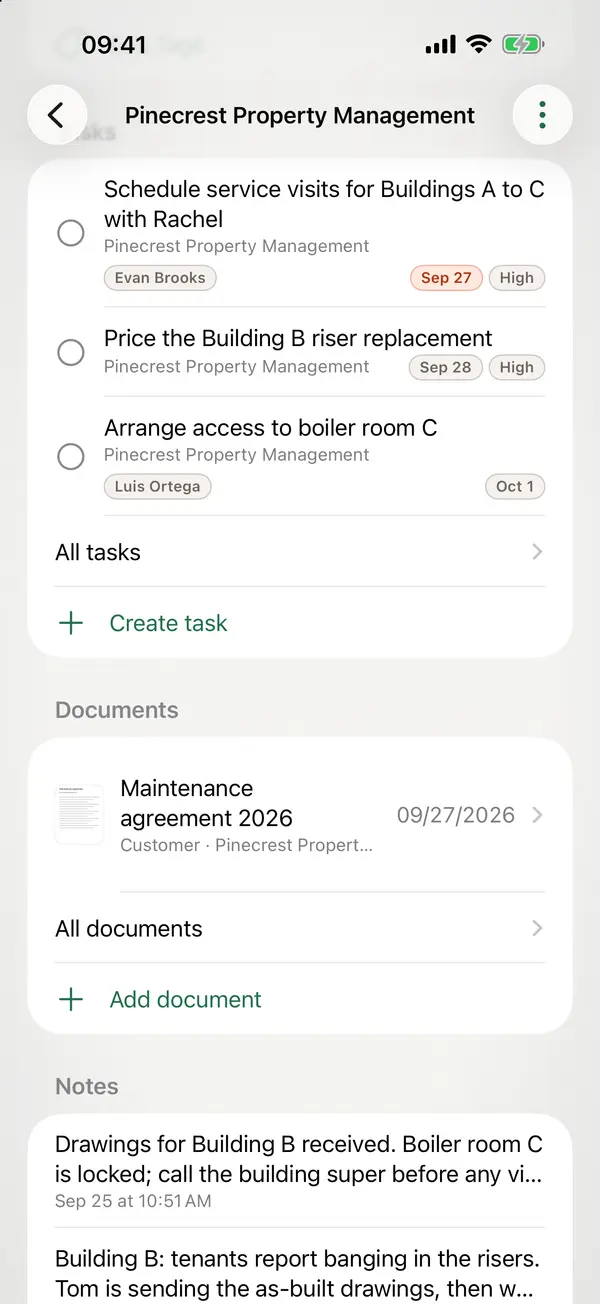
From quote to payment
Write quotes, confirm orders and issue invoices in the same app, and record the payments against each invoice.
Quotes and invoices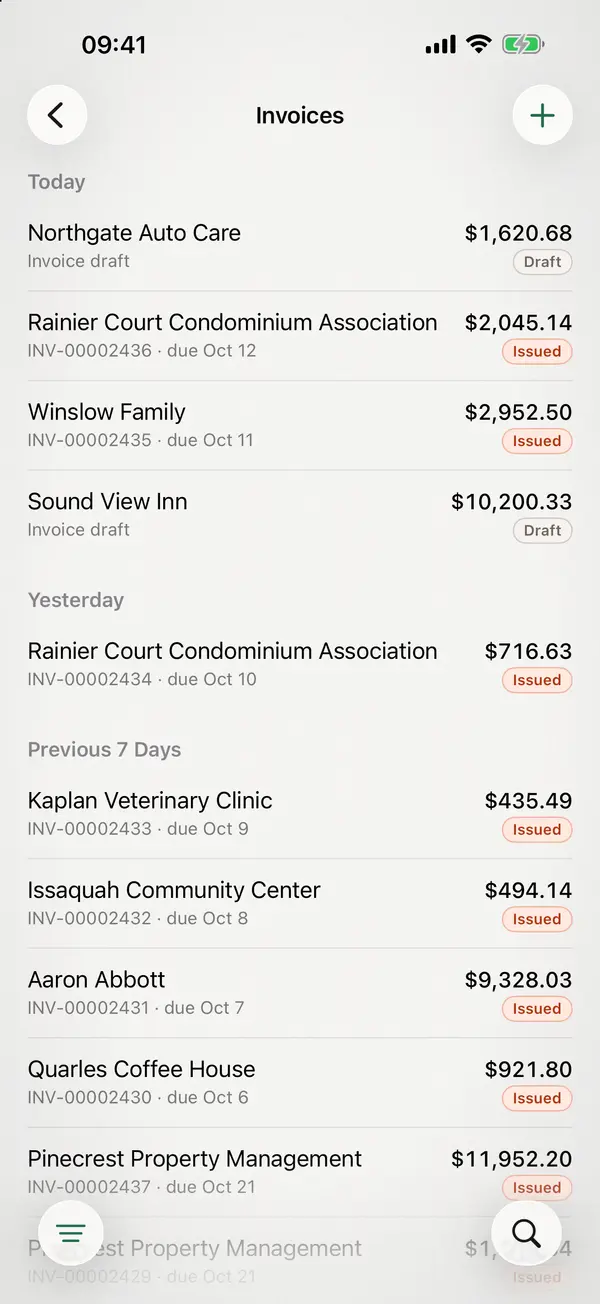
Expenses and receipts
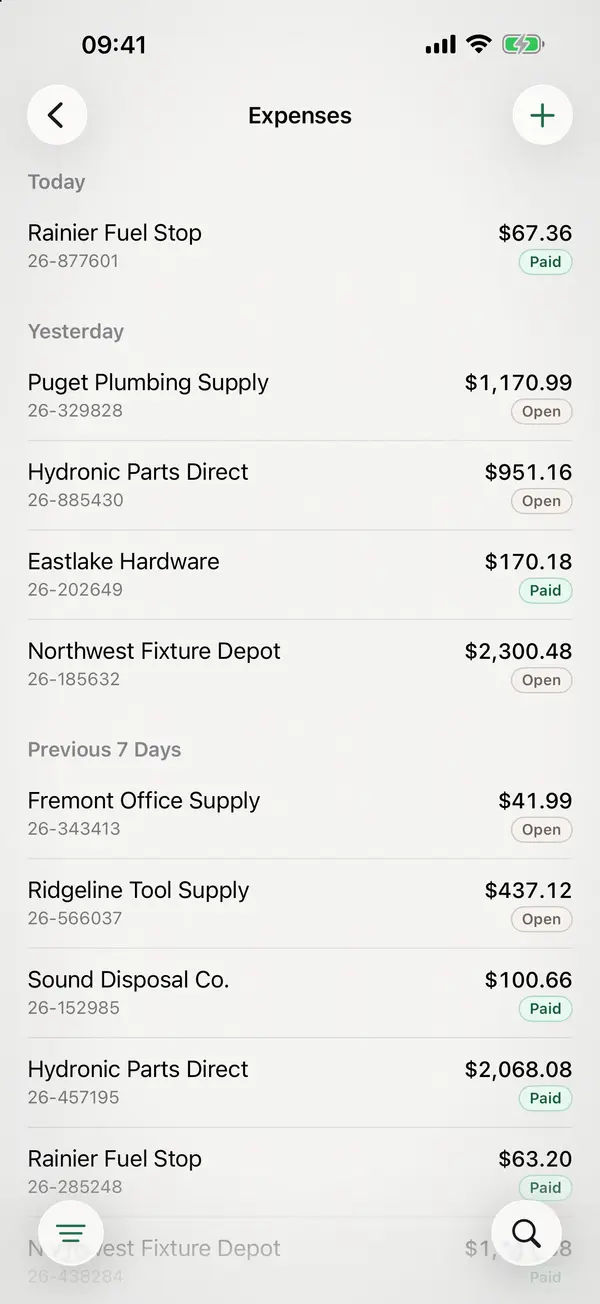
Record expenses with their receipts, so income and spending live in the same app. miphu does not do full bookkeeping or payroll.
Goods and stock
For your goods, miphu keeps articles with prices and units, stock per warehouse and location, purchase orders, goods receipts, delivery notes and stocktaking.
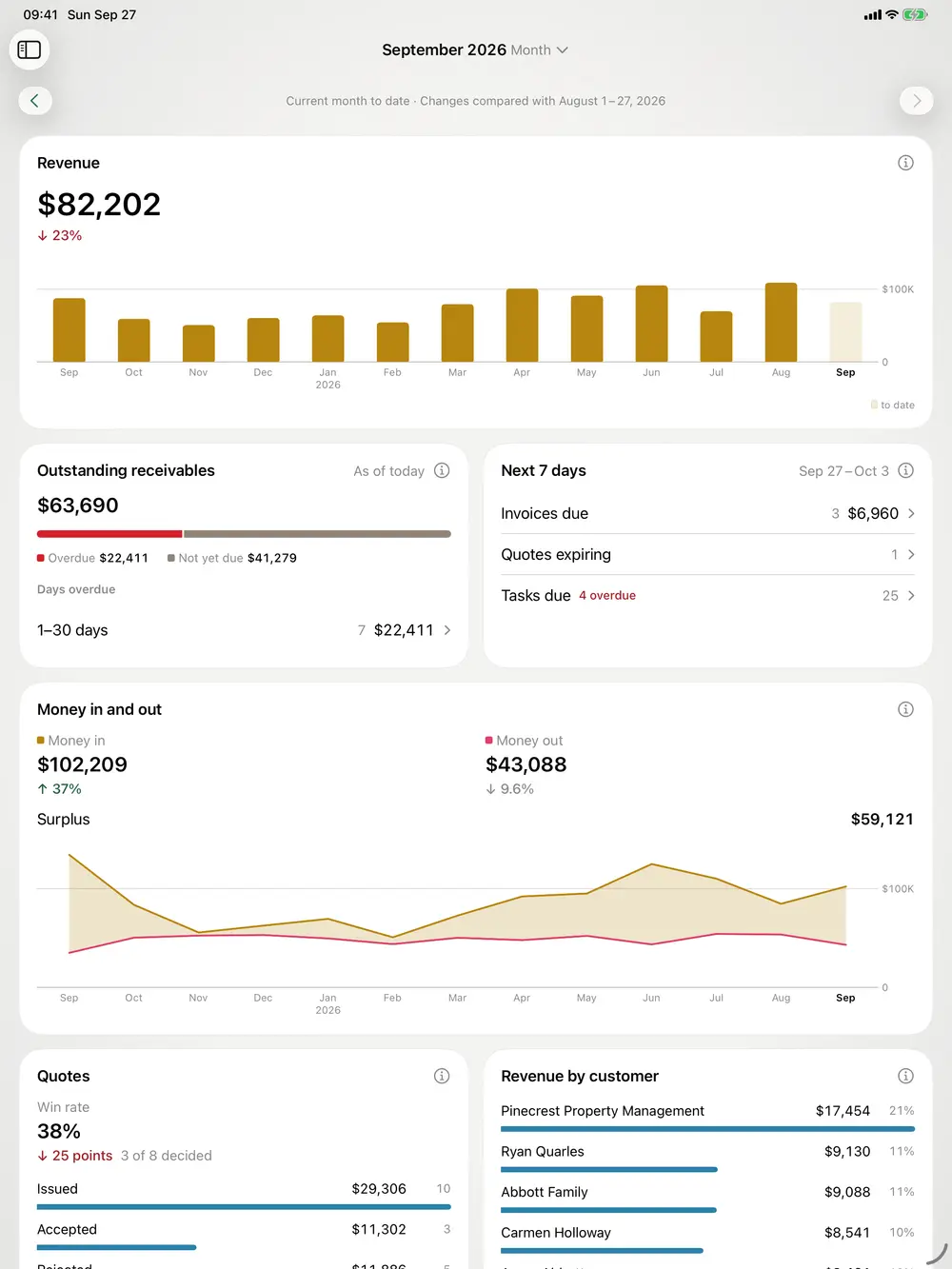
Inventory managementYour figures at a glance
Business insights show income and expenses per month in one chart, net invoiced, and what is open or overdue today. miphu calculates it from the invoices, receipts and payments you already record in the app.
Team and permissions
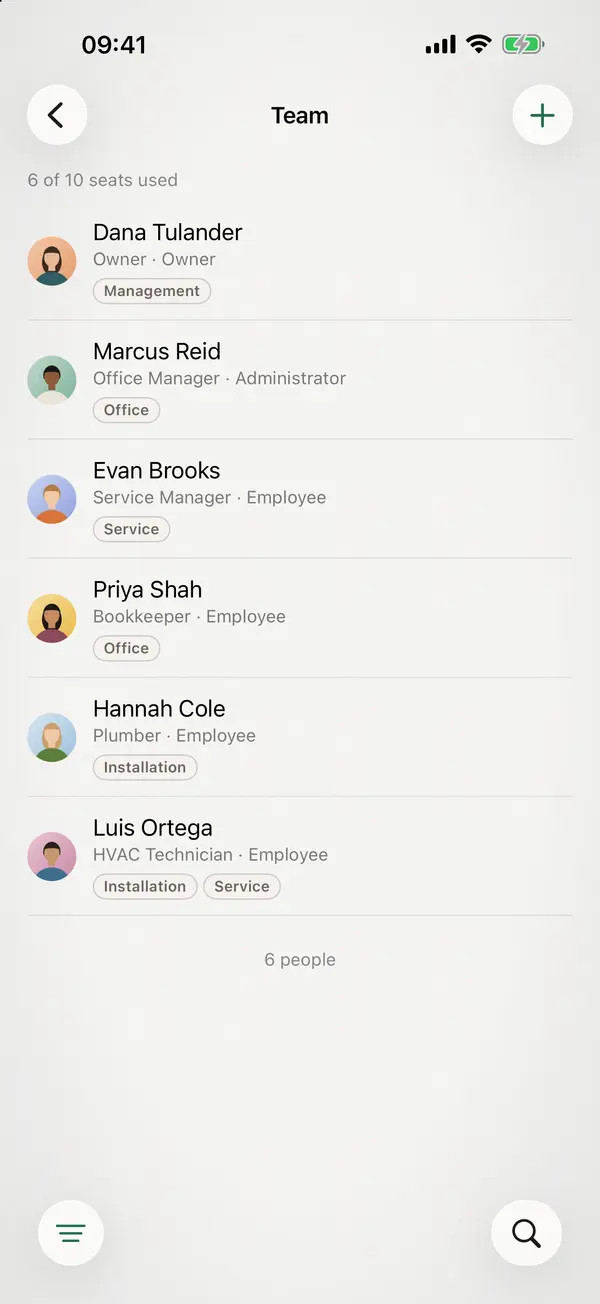
Everyone in your company has their own account, created by the owner or the administration. For each person you decide which areas they can access: sales, finance, goods and team. Each person belongs to one or more departments, and you can give a task to a whole department.
Your AI agent
Connect your AI agent, such as Claude or ChatGPT, and ask about your business in your own words. It sees only what your miphu account may see. Set to “Read and write”, it also creates and changes records. It cannot delete anything, issue invoices or quotes, record payments or send anything.
How to connect your AI agentData in the EU
miphu runs on servers in the European Union, under the GDPR, and the backups stay in the EU too. The miphu apps and this website contain no analytics, advertising or tracking services.

miphu in the App Store and in the browser
Every module is included in every plan. Set up your company in the app or in the browser and start your subscription. The first month is free, after that you pay the monthly price of your plan.